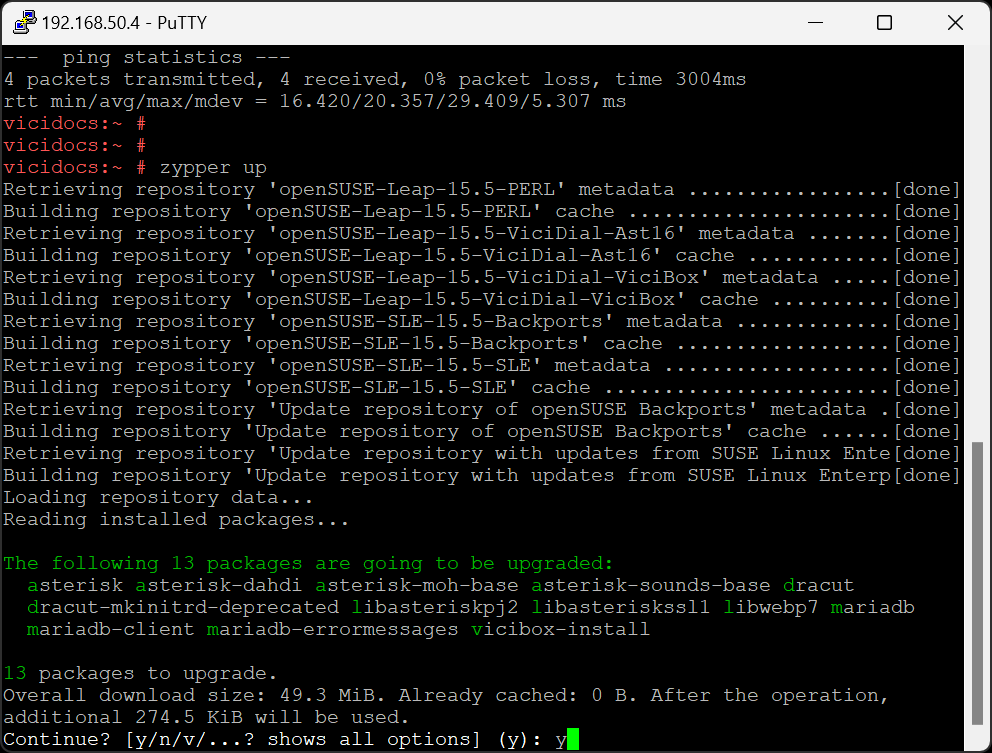
While not required, it is highly recommended to install updates. This will update the ViciBox installer used in phase 2 as well as any new bug fixes or security updates. Internet connectivity is required to install updates. The initial update may take a while depending upon how many updates are available and how fast the internet connection is.
If not already, login as the root user to get to the # command prompt.
Type zypperup and press ENTER to start the update process.
A list of updates and a summary of them will be shown. Type Y and press ENTER to start downloading and installing updates.
Occasionally an update will ask if you want to view it’s update notice. Press ENTER to continue if this happens.
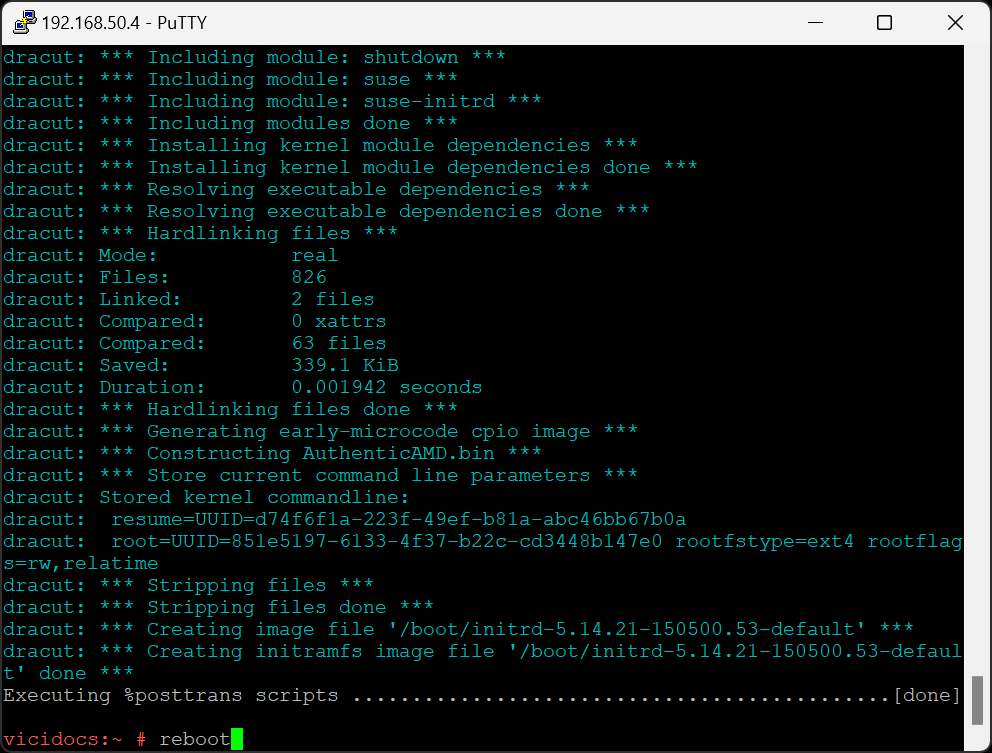
While not strictly necessary, it’s advised to reboot the server at this time. Type reboot and press ENTER to reboot the server.
Note
It’s not unusual for there to be up to 300 megs worth of updates. Depending upon the connection speed it could take a few minutes to download and install. If there are multiple servers this is a good time to move to the next one.