Change Timezone
The timezone of the server should match the timezone for it’s physical location. These instructions will modify the timezone settings of the underlying operating system. If these instructions are followed after ViciDial has been installed then you will still need to modify the GMT Offset of the server in the admin interface. This can be found under the Admin –> Servers section of ViciDial.
vicibox-timezone
If not already, login as the
rootuser to get to the # command prompt.Type
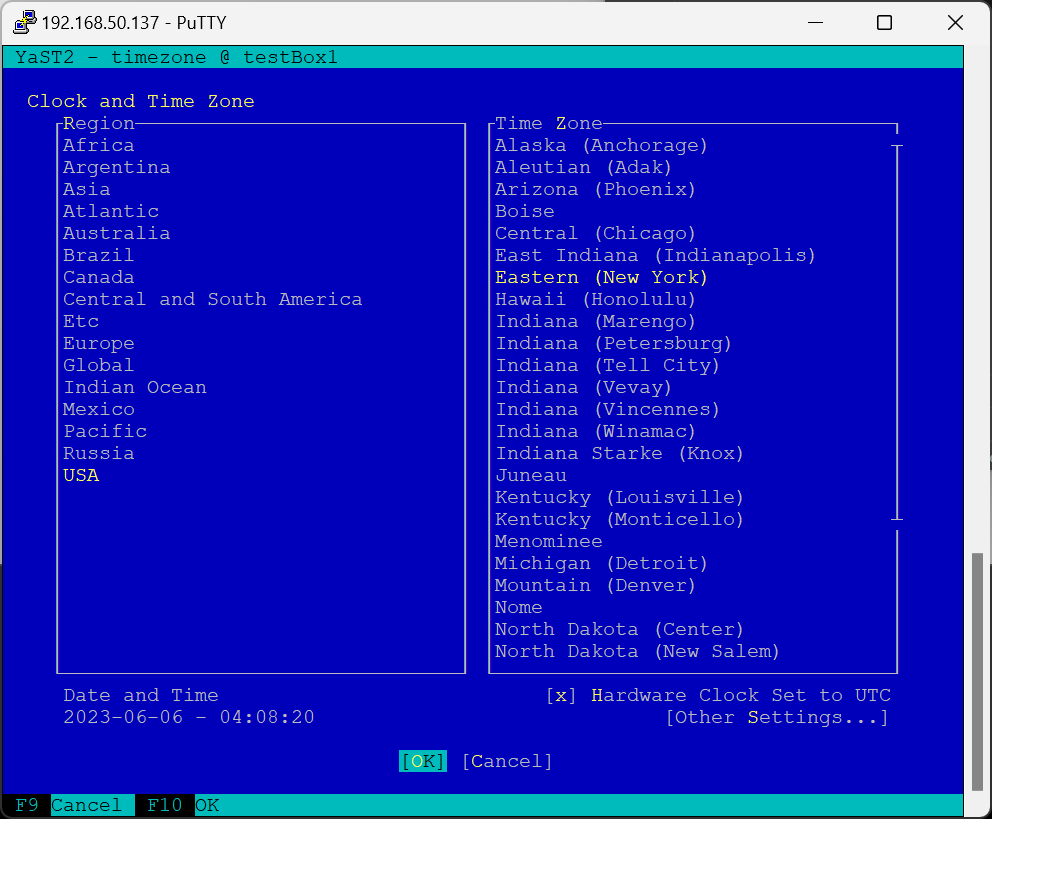
vicibox-timezoneand pressENTERto start the timezone configuration.Using the Up and Down arrow keys, select the appropriate region for the server.
Press the
TABkey to move to the Time Zone selection window.Using the Up and Down arrow keys, select the appropriate time zone for the server.
Press
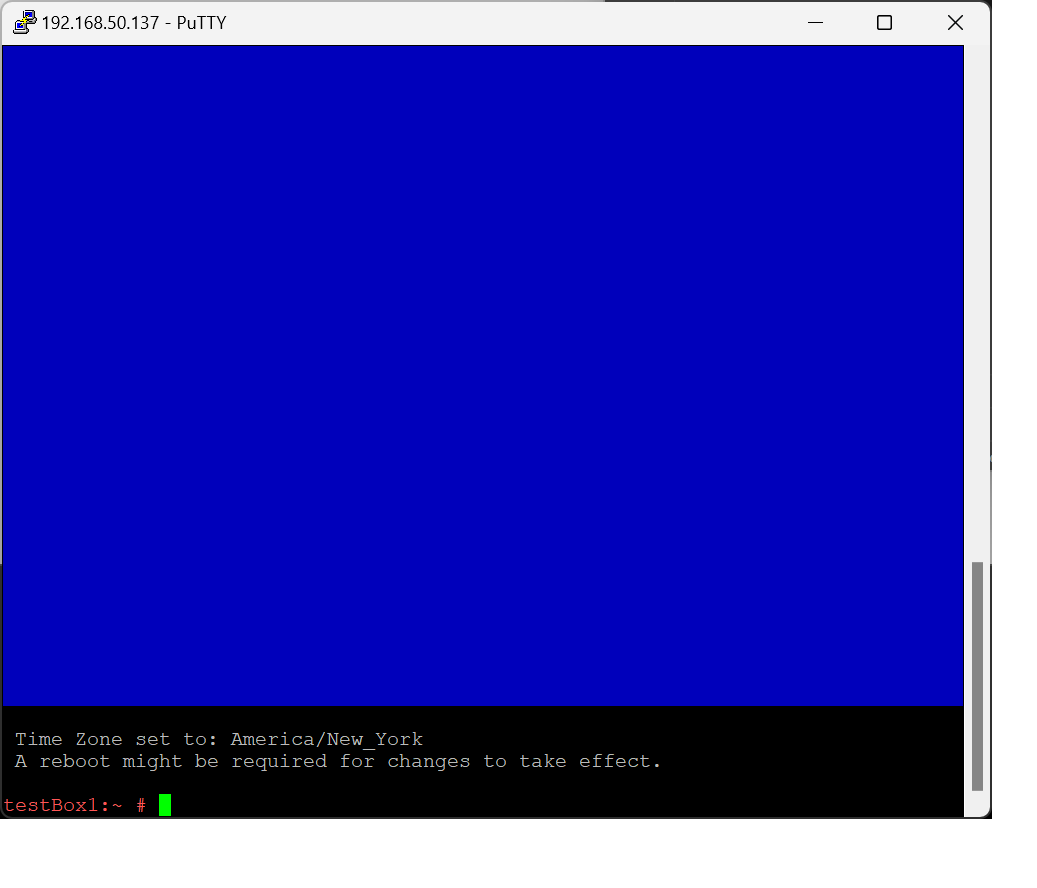
ALT-OorTABto select the OK button and apply changes.The selected time zone should be shown on the output. Type
rebootat the # command prompt to reboot the server.
Screenshots
- Run vicibox-timezone

- Select Region and time zone
- Verify output